Staging release: 1/31/2024
Production release: 2/13/2024
New
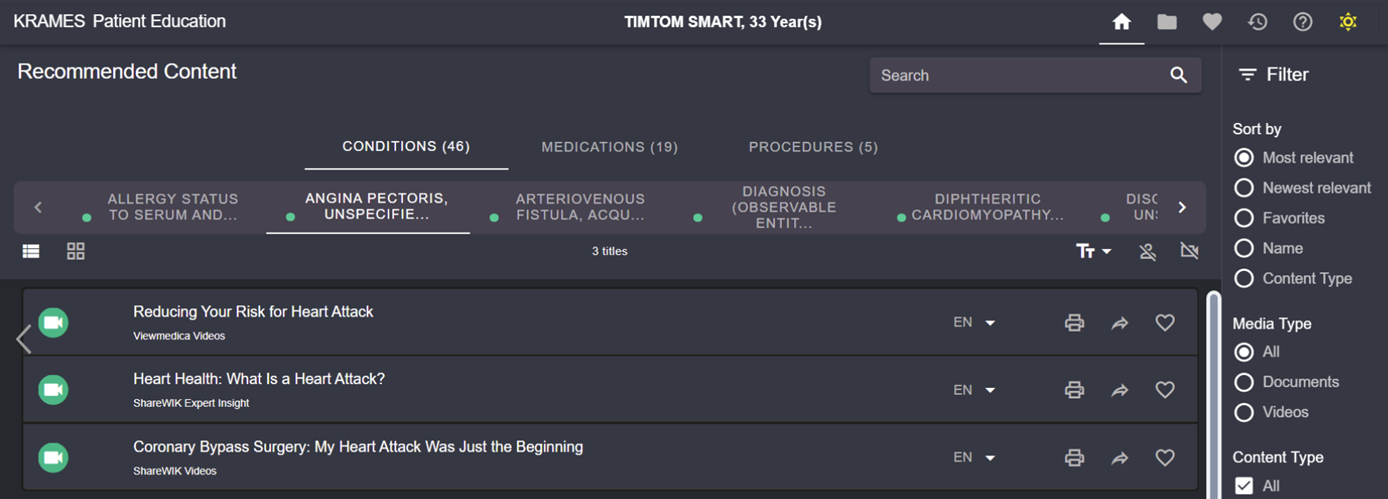
Dark Mode: Comfortable viewing in low light
We’ve added a Dark Mode option for use throughout Krames On FHIR. It features a dark background with lighter text, in contrast to the default Light Mode with a white background and darker text.
Use the new view to help reduce eye strain and improve readability at night and whenever light may be reduced. Or, just for a preferred visual experience!
Activation is easy
To turn on Dark Mode, just click the new moon icon in the top right of the patient banner.
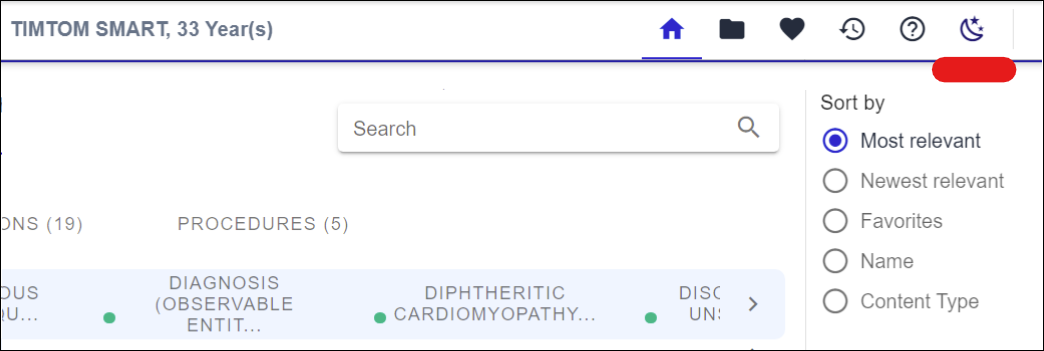
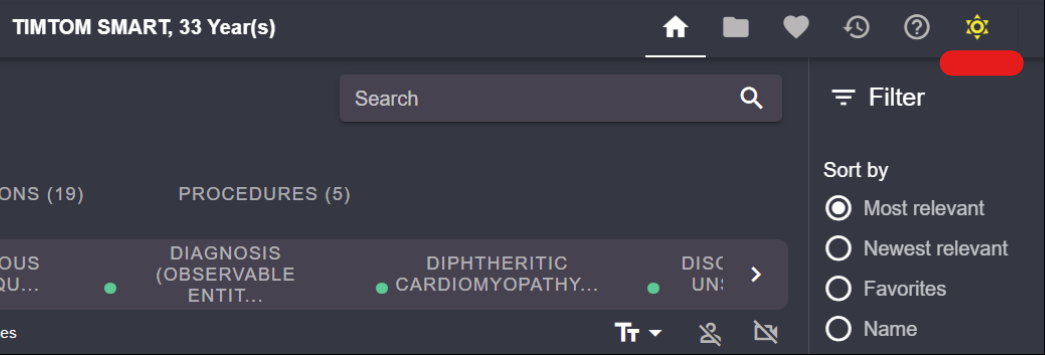
The background changes from white to dark, and the moon becomes a sun icon. Your application will remain in Dark Mode, even from session to session. Click the sun anytime to return to Light Mode.
Get started
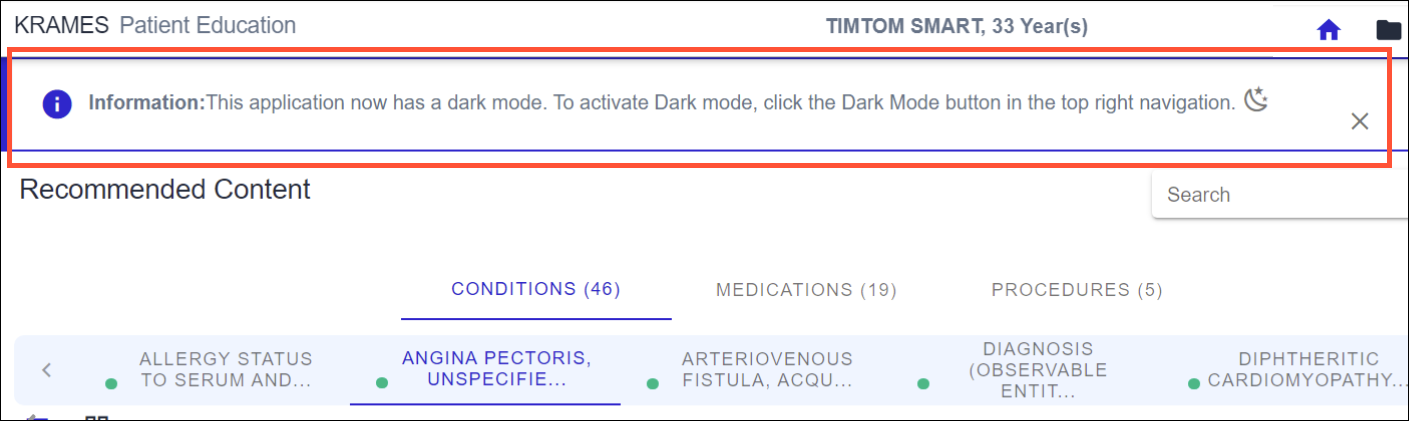
The first time you launch Krames On FHIR after this release, you’ll see a message below the patient banner confirming Dark Mode is available. Click the X to close, then give the new feature a try.
WebMD Ignite branding updates
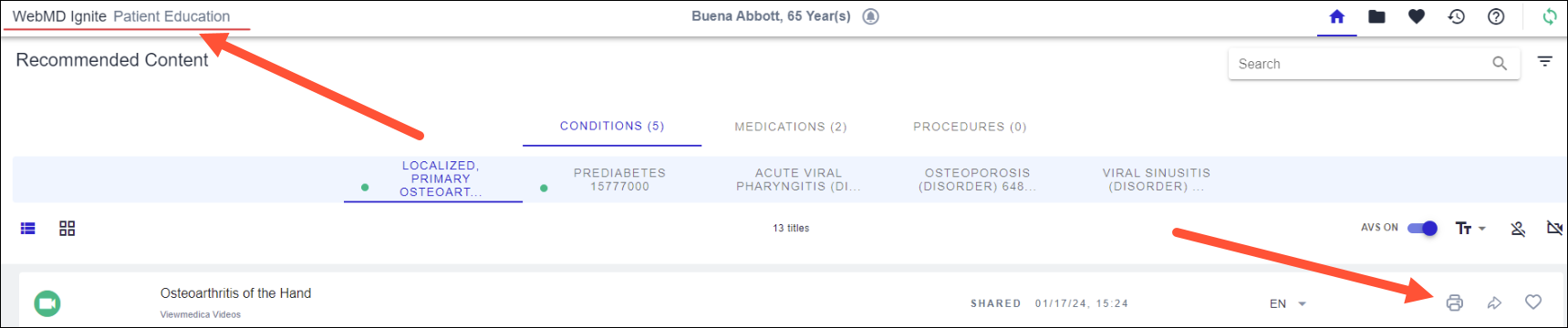
Parts of the application are getting a fresh look from our flagship brand. You’ll notice the Krames label has been updated, along with the Print & Share, Share, and Favorite icons.
Fixed
Location selected for the current encounter
Previously when Krames On FHIR was launched within Epic, the application auto-selected the first location the encounter was assigned to, rather than the location at the time of launch. This only impacted the selection for encounters assigned to more than one location. For encounters that remained in one location, the location data was accurate.
This fix will be reflected in the reporting provided by your Account Executive or Value Lead. Please review to confirm that the locations accurately reflect the actions performed.
Coming soon
Krames On FHIR Automated Education
We continue to make progress on this add-on feature, which will automate education assignment for a specific clinical diagnosis based on a set of configurable rules.
New Elasticsearch capabilities
We’re enabling synonyms for manual searches in the application; for example, searching “angina” will also return titles related to chest pain so you can find all relevant results.