New
You asked, we listened: Print Only now available
Our new feature lets you print education without sharing to the EHR or Patient Portal. So you can still support patients when the information needs to stay confidential and offline.
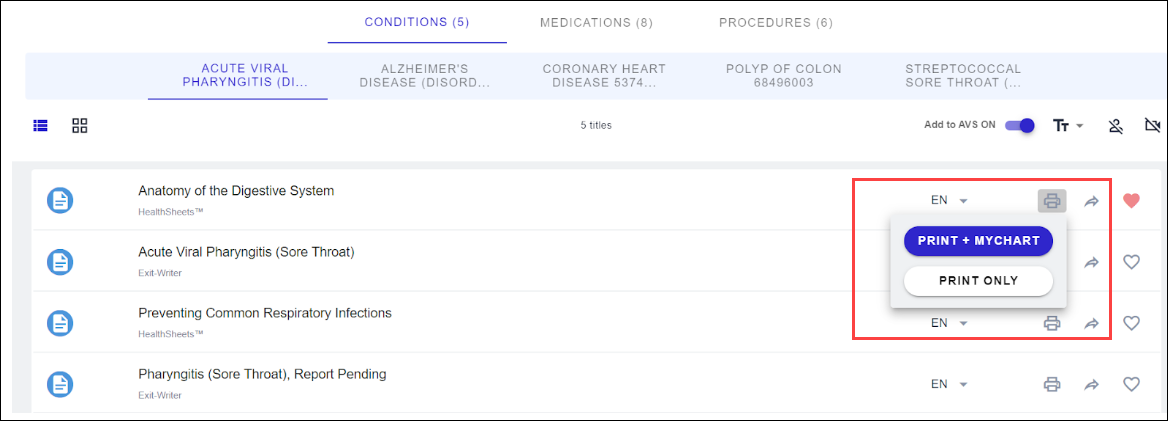
When clicking the Print icon, the menu will appear with 2 options:
- Print and Share (or how your organization displays the text; Print + MyChart is used in the example)
- Print Only
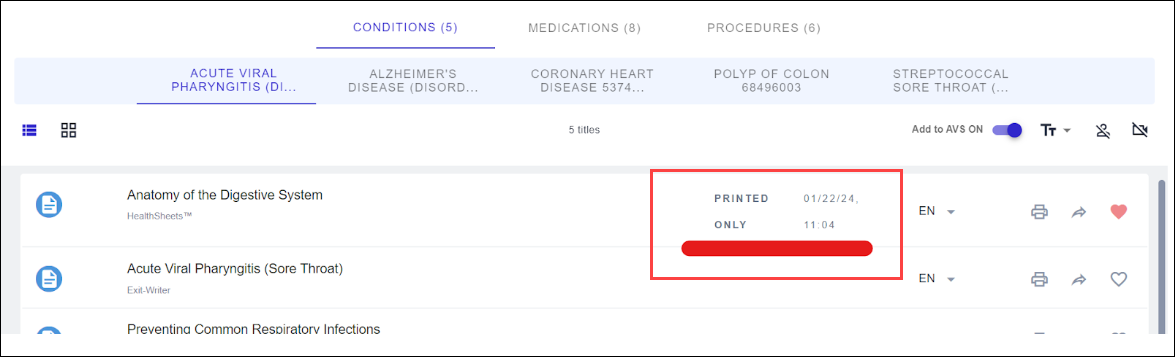
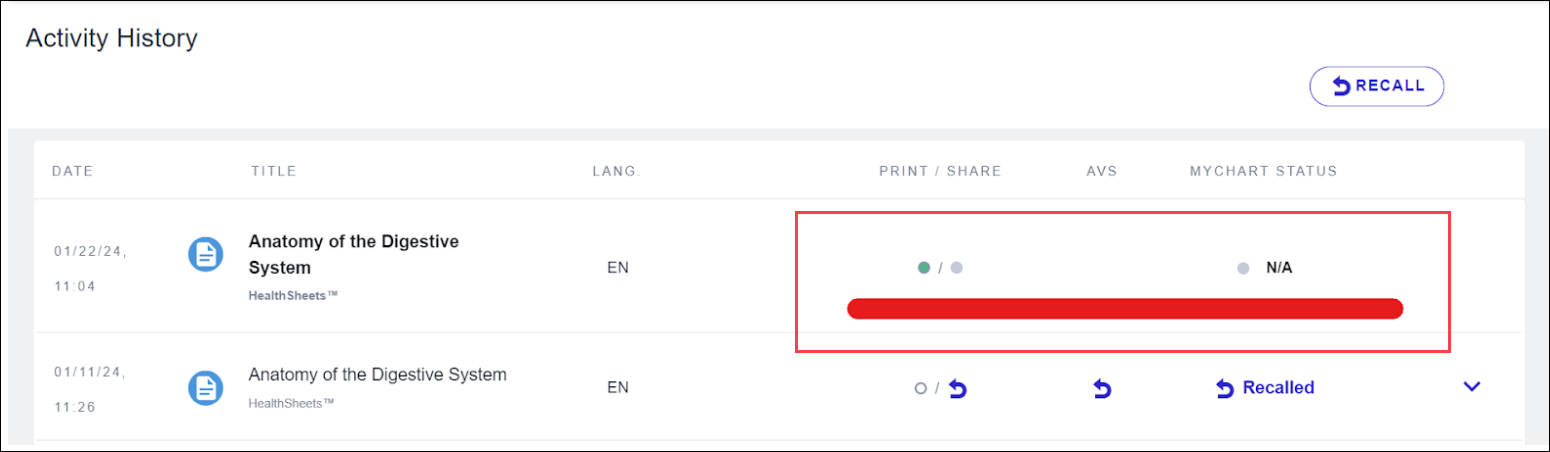
When you use Print Only, the print record will not be shared to the EHR’s After Visit or Discharge Summary, nor to the Patient Portal. It will only appear in Krames On FHIR, either in the Education row > activity date and time or Activity History.
Enhanced
Dependency upgrade for improved performance
We updated to a newer version of one of our 3rd party dependencies to boost the performance and speed of your application. We continue to monitor performance and optimize wherever possible.
There are no specific test instructions, but we recommend ensuring everything is functioning as expected.
Fixed
Patient portal email notifications
In some instances, notifications were not being sent to the email address manually entered in Krames On FHIR when the notifications were configured.
We’ve resolved this issue, which you can test following these steps:
- Launch Krames On FHIR and click the bell icon to the right of the patient name in the banner bar.

- Enter the email address the notification should be sent to.
- Print and Share or Share one or more titles for the patient.
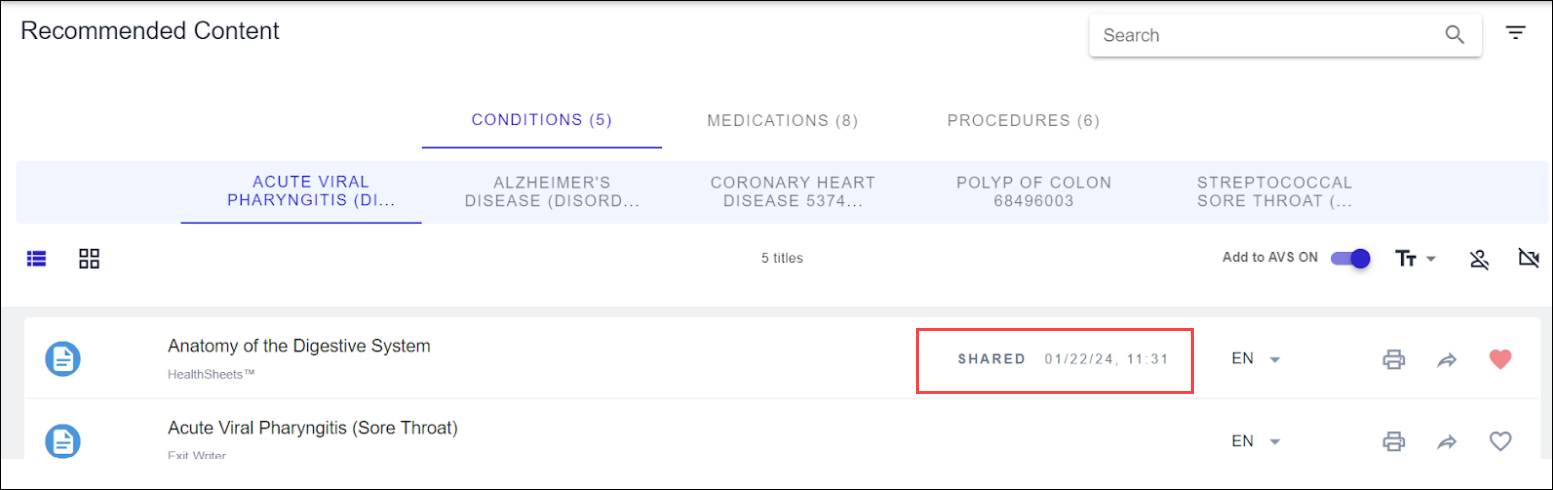
- If email is configured, validate the notification was received by the email address entered.
Coming soon
We continue to make progress on Krames On FHIR Automated Education. This enhancement will automate education assignment for a specific clinical diagnosis based on a set of configurable rules.