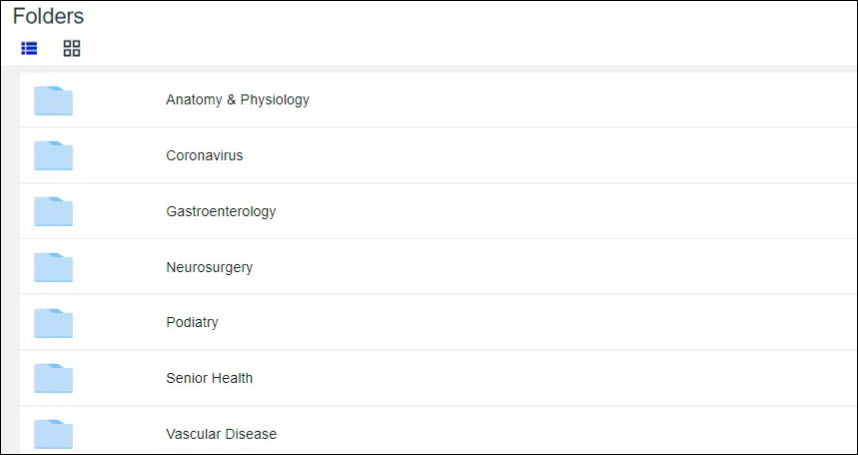
Folders are set at the organization level and can contain licensed content from WebMD Ignite, as well as any of your organization’s custom content (if applicable) loaded into Ignite On-Demand.
You can browse the content in the folders, preview all content items, print/share with the patient, and add content items to favorites. Since the folder structure is set by your organization’s administrator, individual users cannot change the folder structure, naming, or hierarchy.
Navigating between folder levels
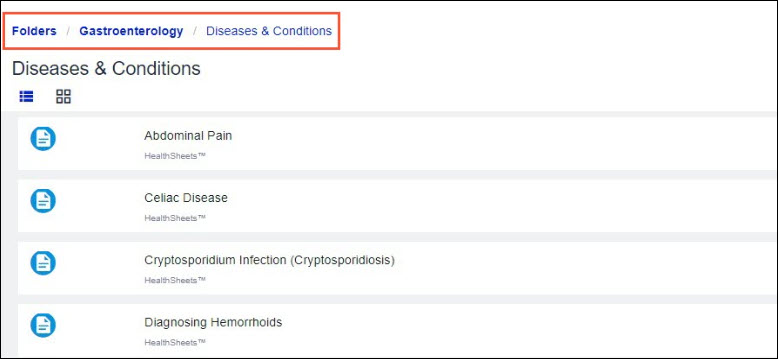
Folders can go down to 3 levels, depending on how the structure and hierarchy are set. It’s easy to navigate back to the previous level(s) using the breadcrumb links above the page title or folder title.