An education item can be previewed by clicking its title (in list or tile display mode).
Document preview
When previewing a document, the entire document is shown in the preview. This is also the format that is attached to Chart Review, the AVS, and in MyChart.
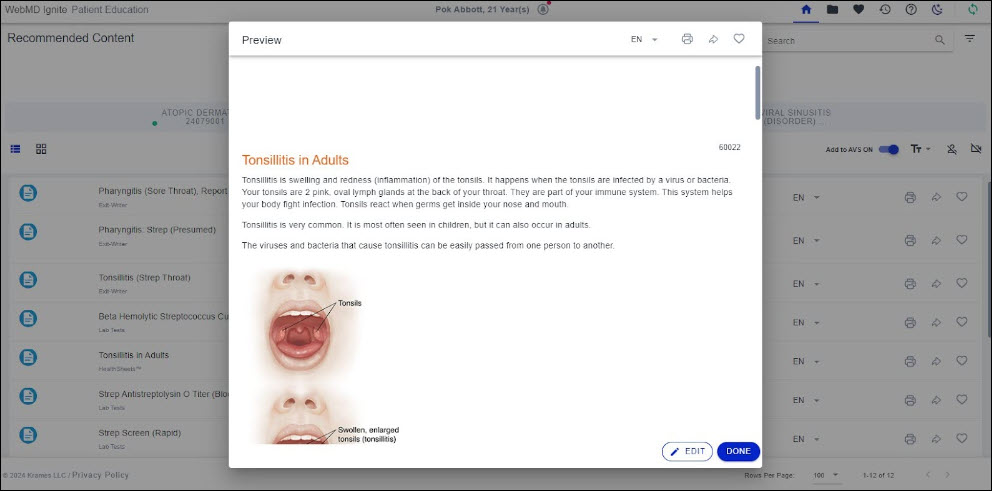
Video resource preview
When previewing a video resource, you’ll see a bit.ly link, QR Code and a transcript of the video. The transcript allows you to quickly scan the content of the video before providing it to the patient. Should you want to preview the video itself, just scan the QR code.
When a video resource is provided to a patient, a video sheet containing the same bit.ly link and QR Code is printed/shared.
Ignite on FHIR does not include the video transcript unless you turn it on before printing/sharing by using the Share Controls. With Patient Portal Integration, the patient will view the video inside their MyChart account and, for accessibility purposes, the transcript will always be displayed with the video player.
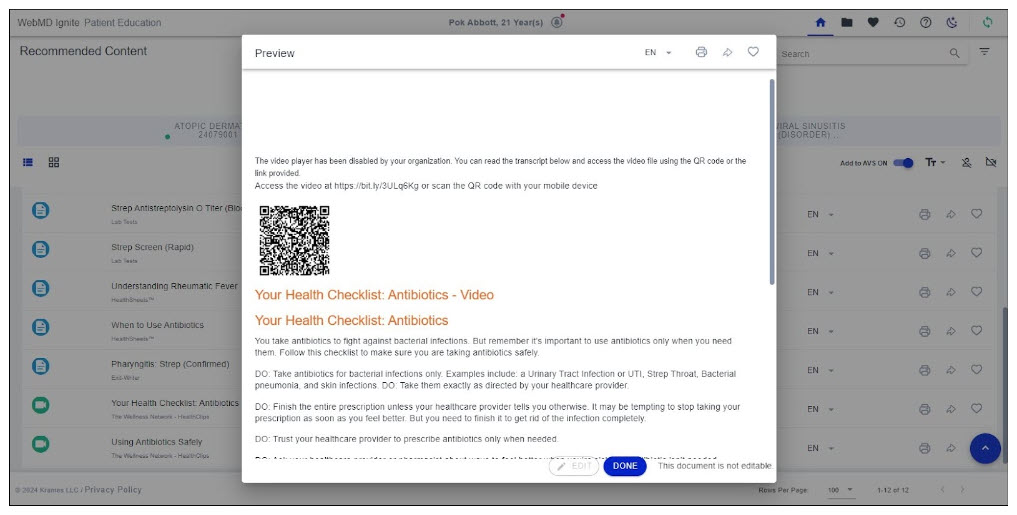
Editing a document
If enabled by the organization, clinicians can make patient-specific edits to written documents from within the preview window. The text editor is launched by the EDIT command at the bottom left of the preview window, while changes are saved using the DONE command at the bottom left of the preview window.
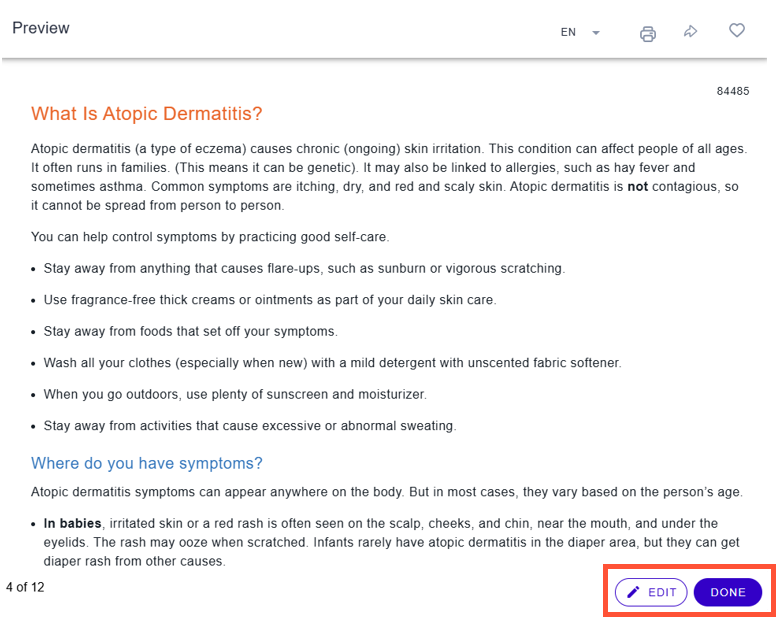
You can make patient-specific edits to most written documents within the document preview window. Drug Sheets cannot be edited. The editor allows simple changes—changing text format, changing text alignment and/or adding/replacing/deleting text— to be made to the document.
The edited document can be printed or shared just like any other original document, and it is the edited document that will be shared to the EHR, the AVS and MyChart. Edited documents are identified in FHIR by a pencil icon.
An edited document can be reverted to its original state through the Restore command button as shown in image below.