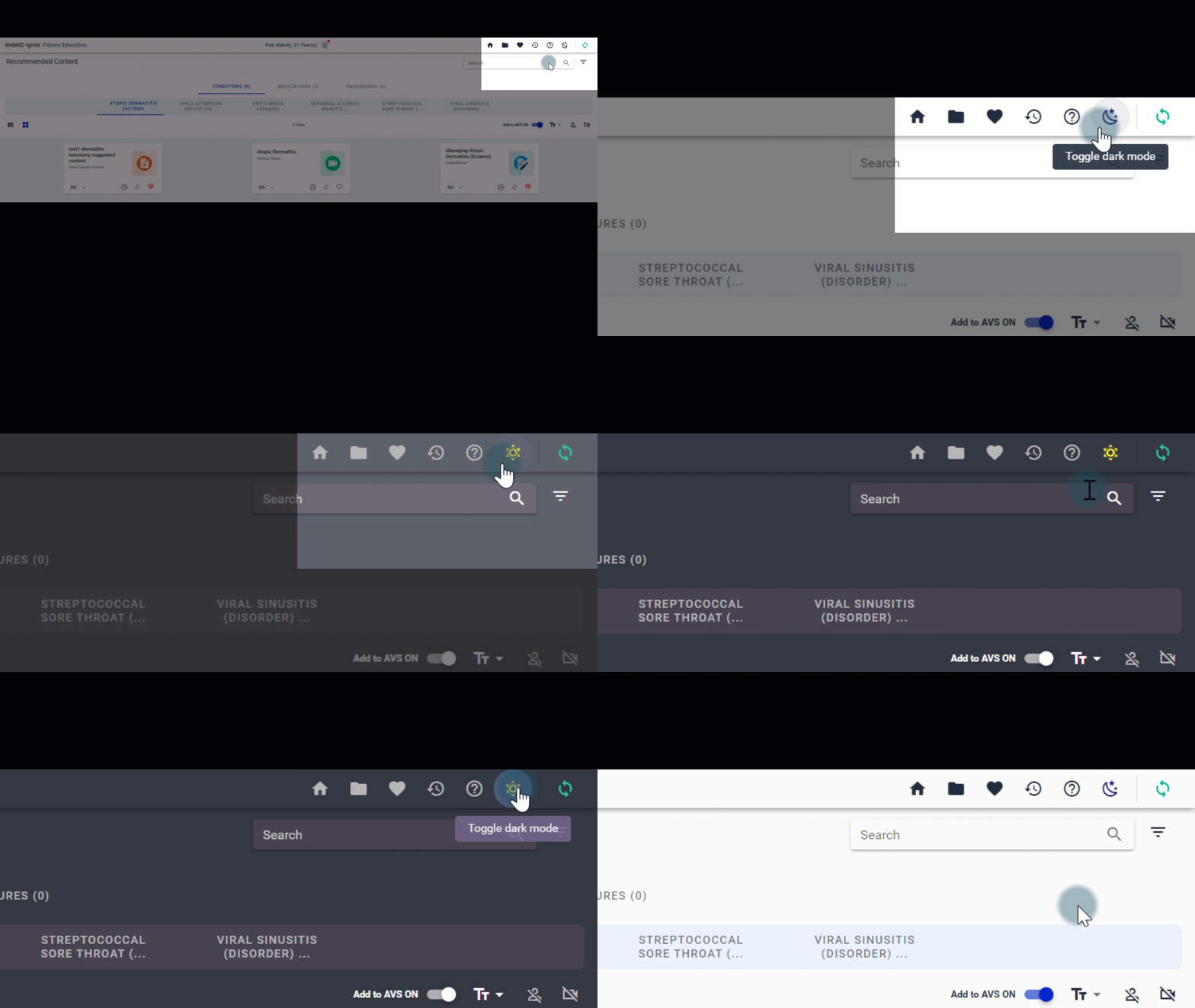
There are 2 viewing options, based on your personal preferences or when and where you’re using Ignite on FHIR.
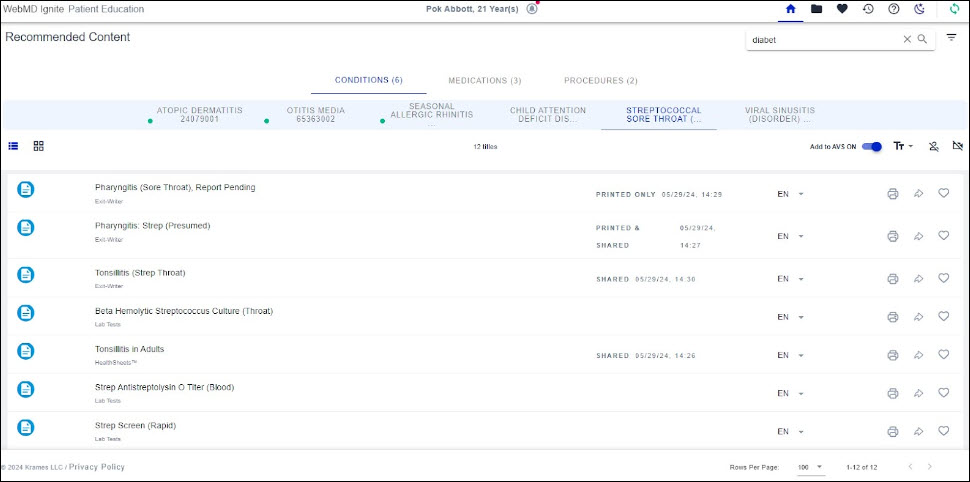
Light mode is the default view, with light background colors and darker text across all elements.
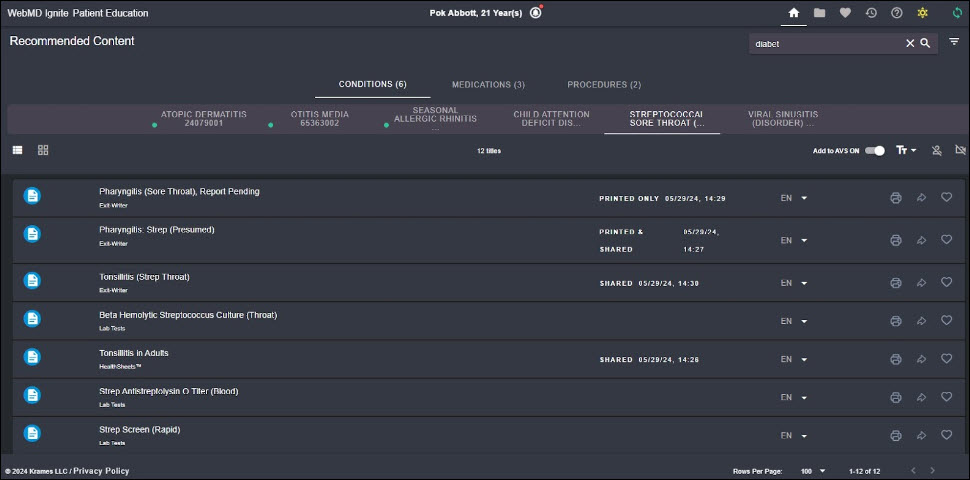
In contrast, dark mode features dark background colors with lighter text, which makes for easier viewing at night or whenever light may be reduced.
To switch from light to dark mode, click the moon icon  in the navigation bar. FHIR will then remain in dark mode.
Click the sun icon  anytime to return to light mode.