Get started
Using SMART and FHIR® technologies, Ignite on FHIR is a robust solution suite that integrates with Epic EHR technologies, allowing clinicians to deliver patient education materials efficiently and effectively at the point of care and through the MyChart patient portal.
FHIR is integrated directly into the your workflow (ambulatory, inpatient, ASAP, Optime, Stork, Cupid, etc.), providing content recommendations based on the patient record, including demographics, the current clinical encounter, the problem list, active medications, and completed procedures and ordered procedures. The ambulatory and inpatient content recommendations are organized under 3 categories—conditions, medications and procedures—while the ED content recommendations are organized under impressions, medications, and procedures.
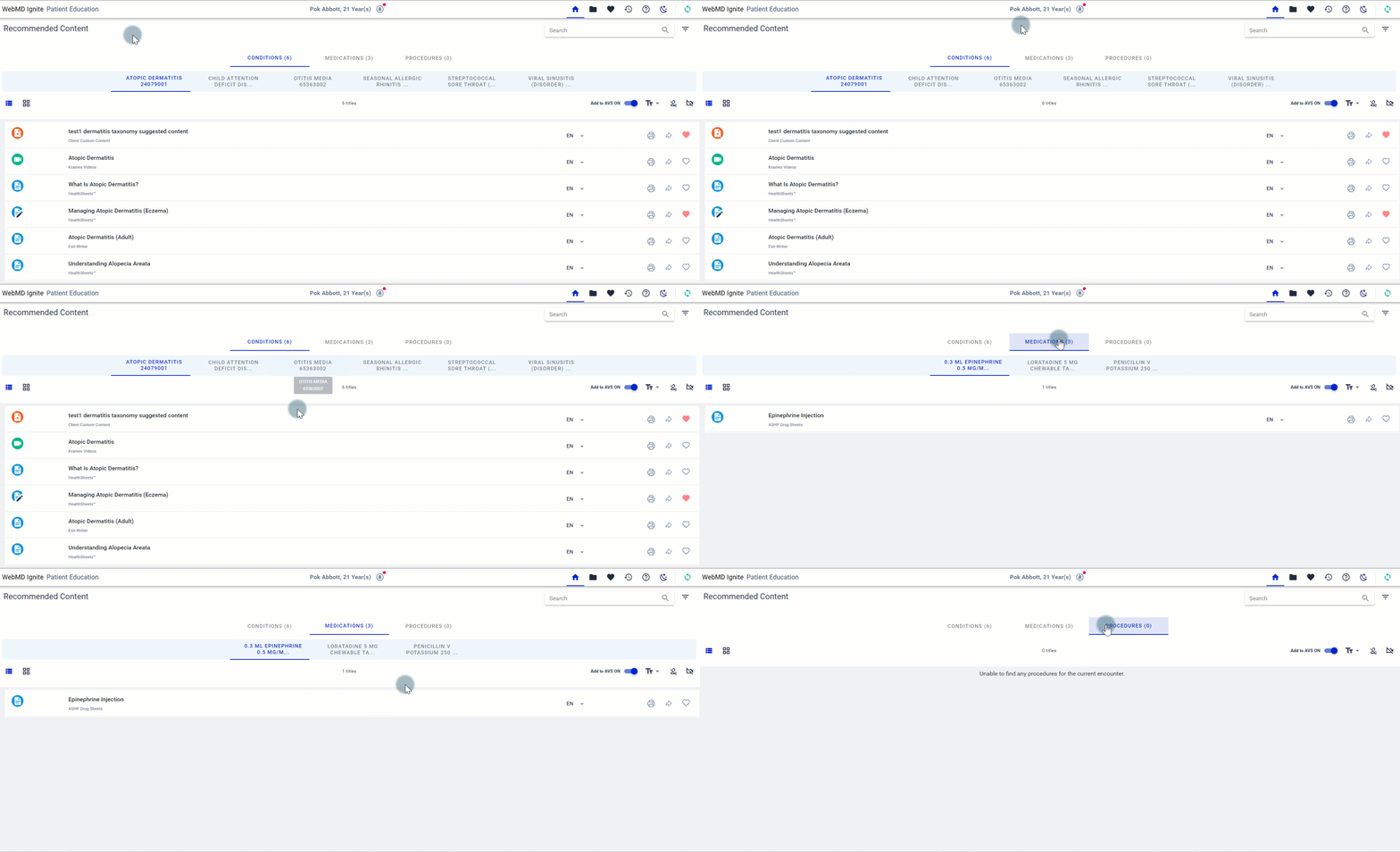
Where does the content come from?
The education content is retrieved from the licensed content libraries (WebMD Ignite-owned or third- party licenses) and, if applicable, from a client’s own custom content library that has been added to FHIR.
How can I access content items?
Content items can be accessed in the following ways:
- Preview the content items
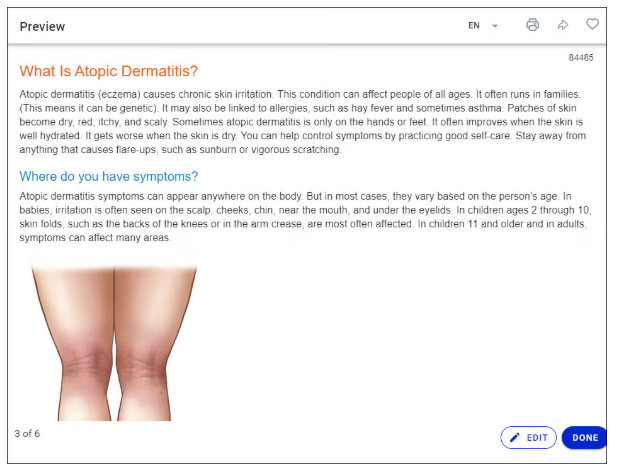
- Print directly from within FHIR

- Share content to the EHR
When education is provided from within FHIR, it is documented in the patient’s record (Chart Review) via a custom note. Once documented in the patient’s record, it can also be attached to the After Visit Summary (AVS).
- Attach content to the After-Visit Summary (AVS)

- Send the content to the MyChart patient portal, MyChart Mobile and MyChart Bedside (Patient Portal Integration required)


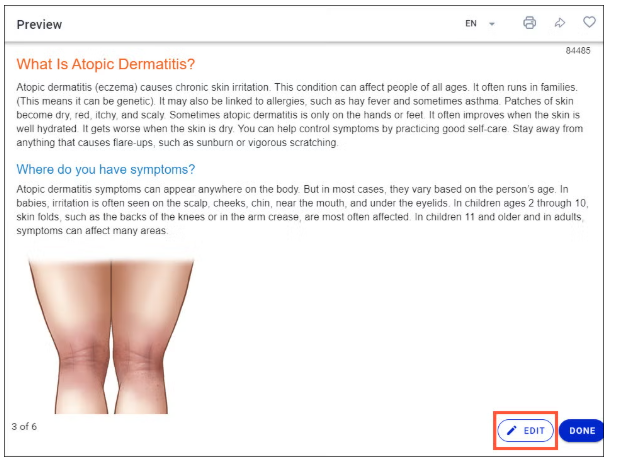
- Render patient-specific edits to written documents, search and/or browse all licensed content, and bookmark content resources as favorites.
Tracking shared content
FHIR offers 2 methods of tracking what was shared with the patient:
- A date/time status indicator displayed next to a resource on the content pages
- A listing of all content items provided to the patient over the last 12 months on the Activity History page