Account Manager user interface
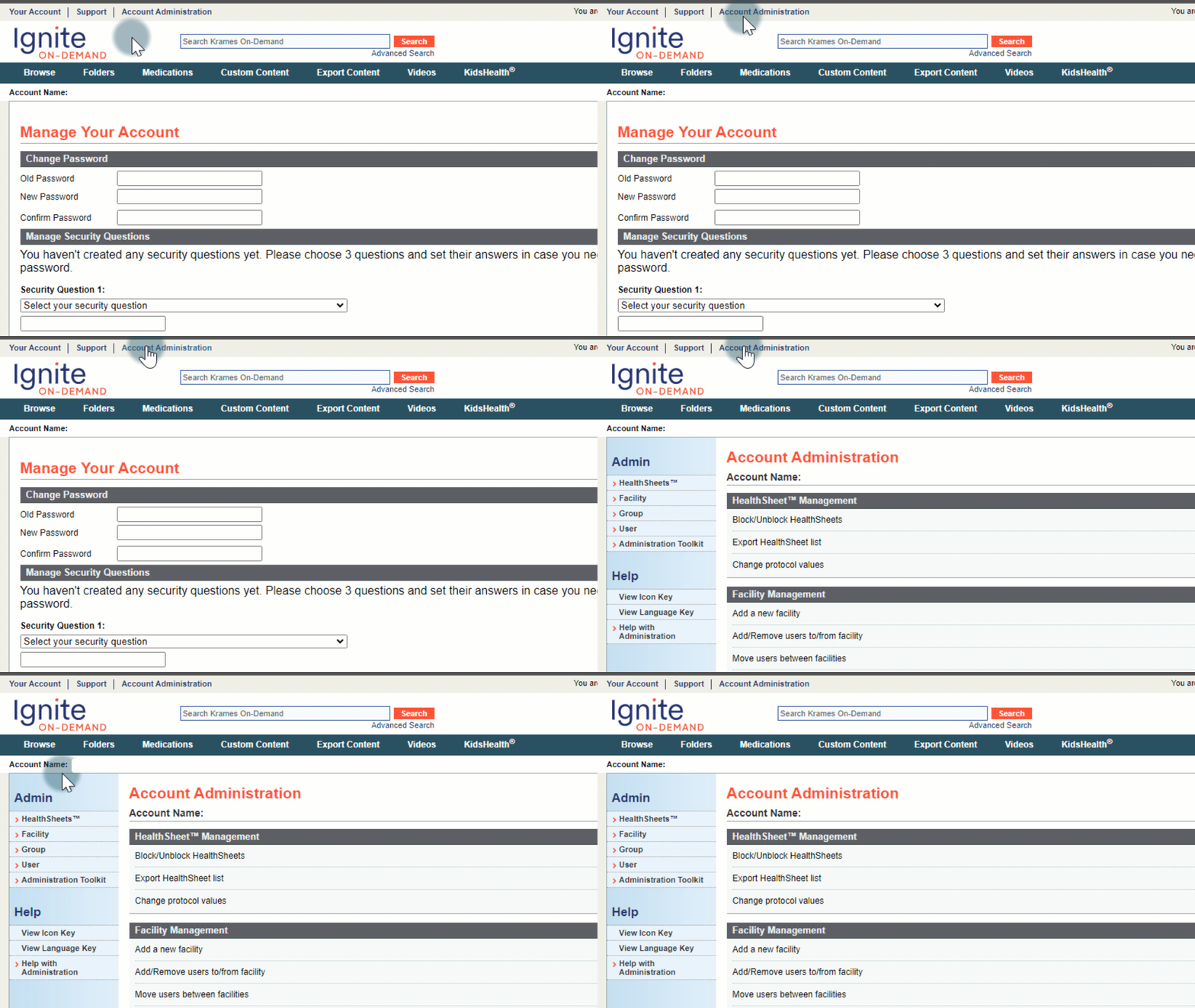
When logging into www.kramesondemand.com, the Account Administration Page (Admin Page) should be the first thing the Account Manager sees. If not, simply click on "Account Administration" in the navigation bar at the top of the application.
Basic setup and customization options
The following functions are available to the Ignite On-Demand Account Manager:
- HealthSheet Management
- Block/Unblock HealthSheets
- Export HealthSheet list
- Change protocol values
- User Administration
- Add a new user
- Select a user to edit or delete
- Administration Toolkit
- Configuration and Settings
- Permissions