Content Toolbar
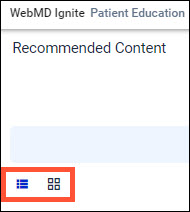
Content items can be viewed as a list or as tiles . This is a user preference feature that FHIR remembers from session to session, and can be easily switched from the Content Toolbar.
The Share controls on the Content Toolbar include:
- Add to AVS ON/OFF
- Select text size
- Personalization/add patient name
- Add video transcript for videos
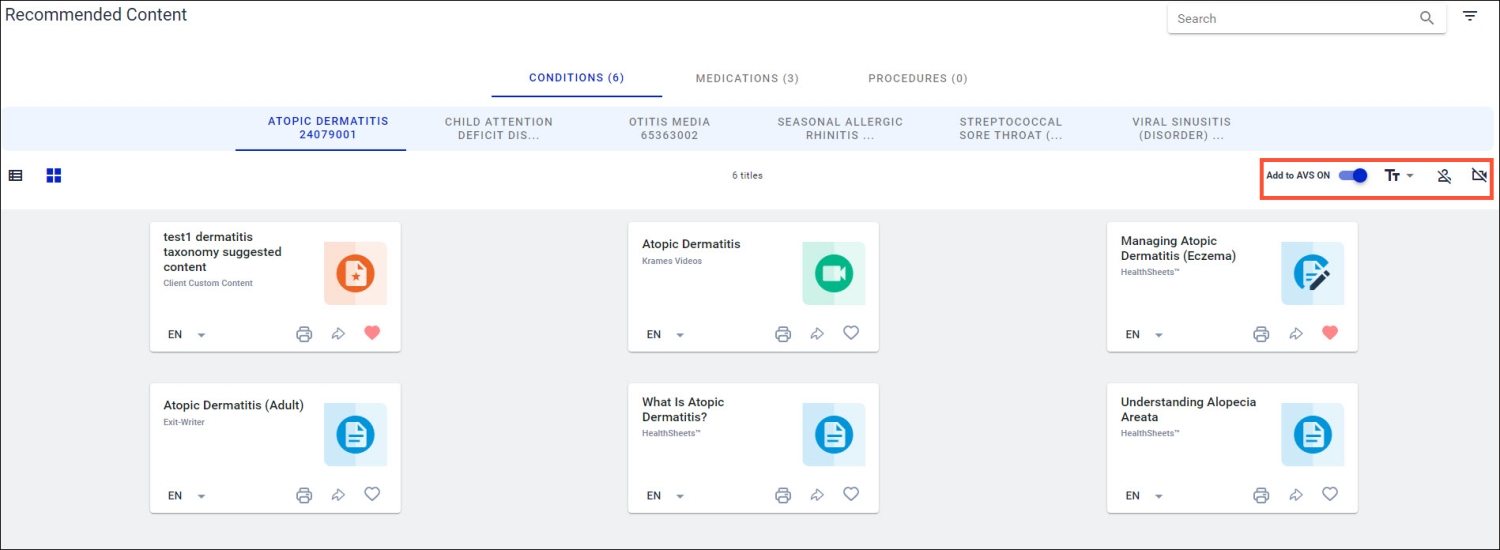

Note: Any Share controls changed during the FHIR session will be reset to the default settings. For example, AVS Toggle “On”, Text Size = Medium, Personalization “Off” and Transcript share “Off” when the session is closed.
Once the display mode setting is defined, content items have the same commands that allow users to:
- Select an item for bulk print or share (Learn more)
- Launch the item preview window (Learn more)
- Change the language of the content item before printing or sharing (Learn more)
- Print or share individual items (Learn more)
- Favorite a content item (Learn more)
- Control how content is shared (Learn more)

- List/Tile View: Control buttons that can switch the display mode
- Content Type: Indicator for content type/licensed library
- Content Item: Title Launch point for the item preview window
- Language: Allows switching the language before print/share
- Print: Prints the item, shares to the AVS and MyChart
- Share: Shares the item to the AVS and MyChart
- Favorites: Control button that turns favorites on/off
- Print/Share Controls: (Learn more)